
Pictory vs Fliki: I tested both — here's which to pick
Pictory vs Fliki, both tested: Fliki (4.3) wins on voice, languages, and a real free tier; Pictory (4.1) wins at turning blog posts into video. Which fits you?
Opus Clip alternatives: what each one takes away
Every cheaper OpusClip alternative costs you something. I ran four tools on one 35-minute file — Vizard did it for $0.85 against $2.03 — and priced two more.
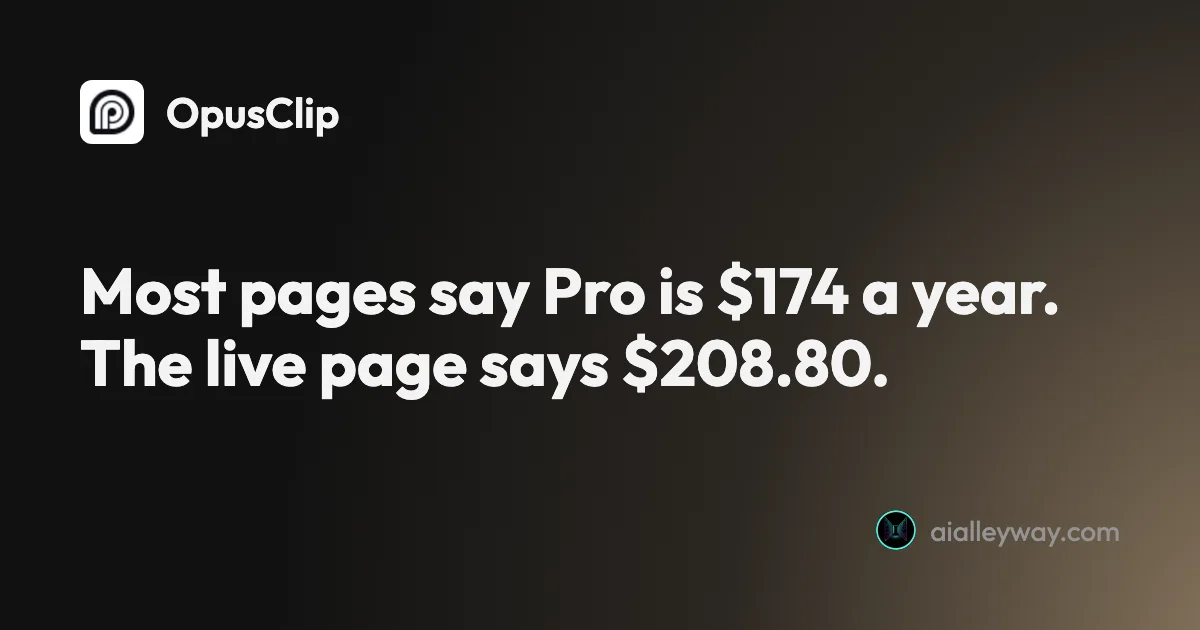
OpusClip pricing: the annual discount is 40%, not 60%
OpusClip pricing read live from a signed-in account: Pro is $208.80 a year, not the $174 everyone quotes, and the annual discount is 40%, not 60%.
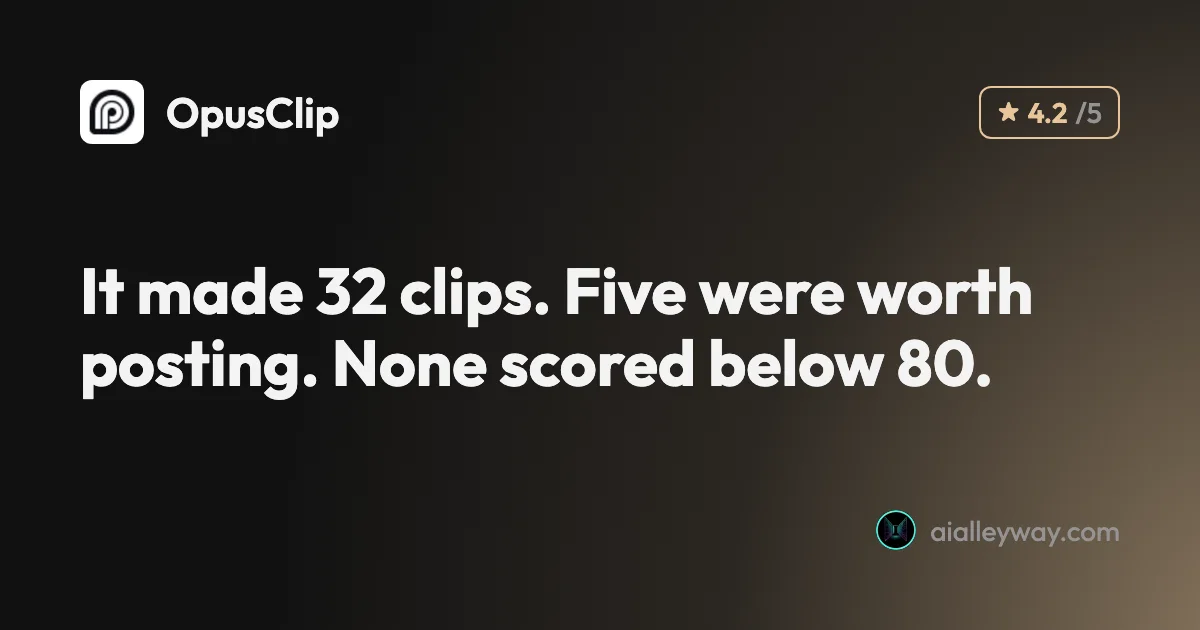
OpusClip review: 32 clips from one video, 5 worth posting
OpusClip review from a measured run: one 35-minute video in, 32 clips out, and a virality score that never went below 80 on a scale of 100.
CapCut auto captions: Pro in the editor, still free on one page
I tested CapCut auto captions on a free account. The editor now locks export behind Pro, but CapCut's AI Captions page exported free, with 2.7% of words wrong.
Gemini Omni Flash, Tested: Google's Video Model, Free
Gemini Omni Flash, tested free in Google Flow: 10-second clips, vertical video, image and character references, and a prompt edit that added snow.
Google Flow Free: What 50 Daily Credits Buy, Tested
Google Flow free, tested on a free account: 50 credits a day bought four AI video clips, images cost nothing, and Veo 3.1 Quality was out of reach.
How to Use Google Flow: A Hands-On Beginner's Guide
How to use Google Flow, tested on a free account: start a project, make free images, build a character with a voice, turn it into video and download it.
Nano Banana Video: Turn Images Into Clips Free, Tested
Nano Banana video, tested: Nano Banana makes images, not video, but Google Flow animated mine free. Start frame, end frame and reference, with credit costs.
Google Veo 3 Review: Cinematic AI Video, Brutal Credit Math
Google Veo makes the West's most cinematic AI video, but a top clip costs 100 credits. My hands-on take on quality, the Flow workflow, and real pricing.
Hailuo AI review: the most generous free trial in AI video
Hailuo AI review: MiniMax's video model gives ~80 free videos to start and genuinely good motion for $7.99/mo — but it's silent, watermarked, and one-time.
How to Use Runway AI: A Hands-On Walkthrough
How to use Runway AI: generate a clip, revise it with Aleph, then run Seedance or Veo from one account. All tested hands-on, updated for Gen-4.5.